Most business websites, online shops and customer portals run on PHP. Each PHP version is supported for four years: two years of bug fixes, then two years of security fixes only. After that, newly found security holes in that version are no longer fixed.
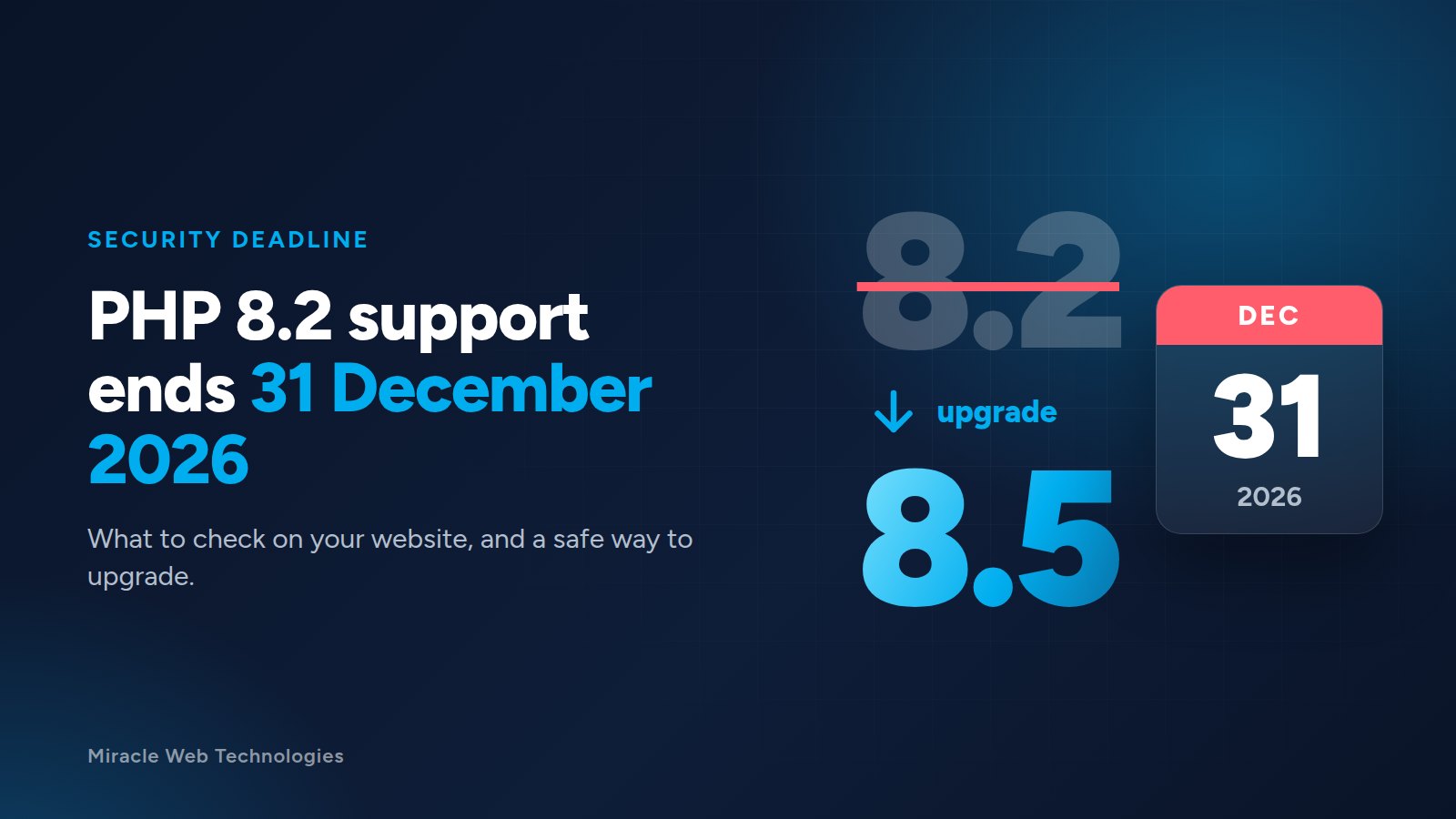
PHP 8.2 reaches that point on 31 December 2026. PHP 8.1 already did on 31 December 2025. If your website runs on either, it is time to plan the upgrade.
Where each version stands
- PHP 8.1: no security fixes since 31 December 2025.
- PHP 8.2: security fixes until 31 December 2026.
- PHP 8.3: security fixes until 31 December 2027.
- PHP 8.4: security fixes until 31 December 2028.
- PHP 8.5: security fixes until 31 December 2029.
Anything older (PHP 7.x, 5.x) has been unsupported for years. If your site still runs on one of these, it is the most urgent case of all.
Why it matters even if the site "works fine"
An old PHP version does not stop working on the last day. The risk is quieter: when a new security problem is found, it is fixed in the supported versions only. Your site stays exposed, and attackers scan the web for exactly these sites. Many hosting companies also remove old PHP versions from their servers over time, and the upgrade then happens on their schedule instead of yours.
How to check your PHP version
- cPanel hosting: open Select PHP Version or MultiPHP Manager. The current version is shown for each domain.
- WordPress: go to Tools → Site Health → Info → Server.
- Not sure? Ask your developer or hosting provider. It is a one-minute question for them.
What can break when you upgrade
Newer PHP versions remove or tighten things that older code relied on. The usual problems are:
- Old plugins, themes or extensions that were never updated by their authors.
- Custom code written years ago, for example code that adds properties to objects on the fly (deprecated since PHP 8.2) or uses functions that no longer exist.
- Payment and shipping integrations built on old software libraries.
Often the fix is small. But you want to find these problems on a copy of the site, not on the live site in front of your customers.
A safe way to upgrade
- Take a full backup of the files and the database.
- Make a copy of the site (a staging site) on the new PHP version.
- Update the CMS, plugins and libraries on the copy first.
- Test what earns you money: contact forms, checkout, payments, customer login, emails.
- Read the error log for warnings, even when pages look fine.
- Switch the live site, keeping the old version available for a quick rollback.
- Watch the logs for a few days after the switch.
Moving to PHP 8.4 or 8.5 now buys you two or three more years before the next upgrade. Newer versions are usually a little faster too.
Need a hand?
Our own servers already run PHP 8.5. We upgrade older websites and applications to current PHP versions, including custom code that nobody has touched in years. Tell us what your site runs on and we will tell you what the upgrade involves before any work starts.