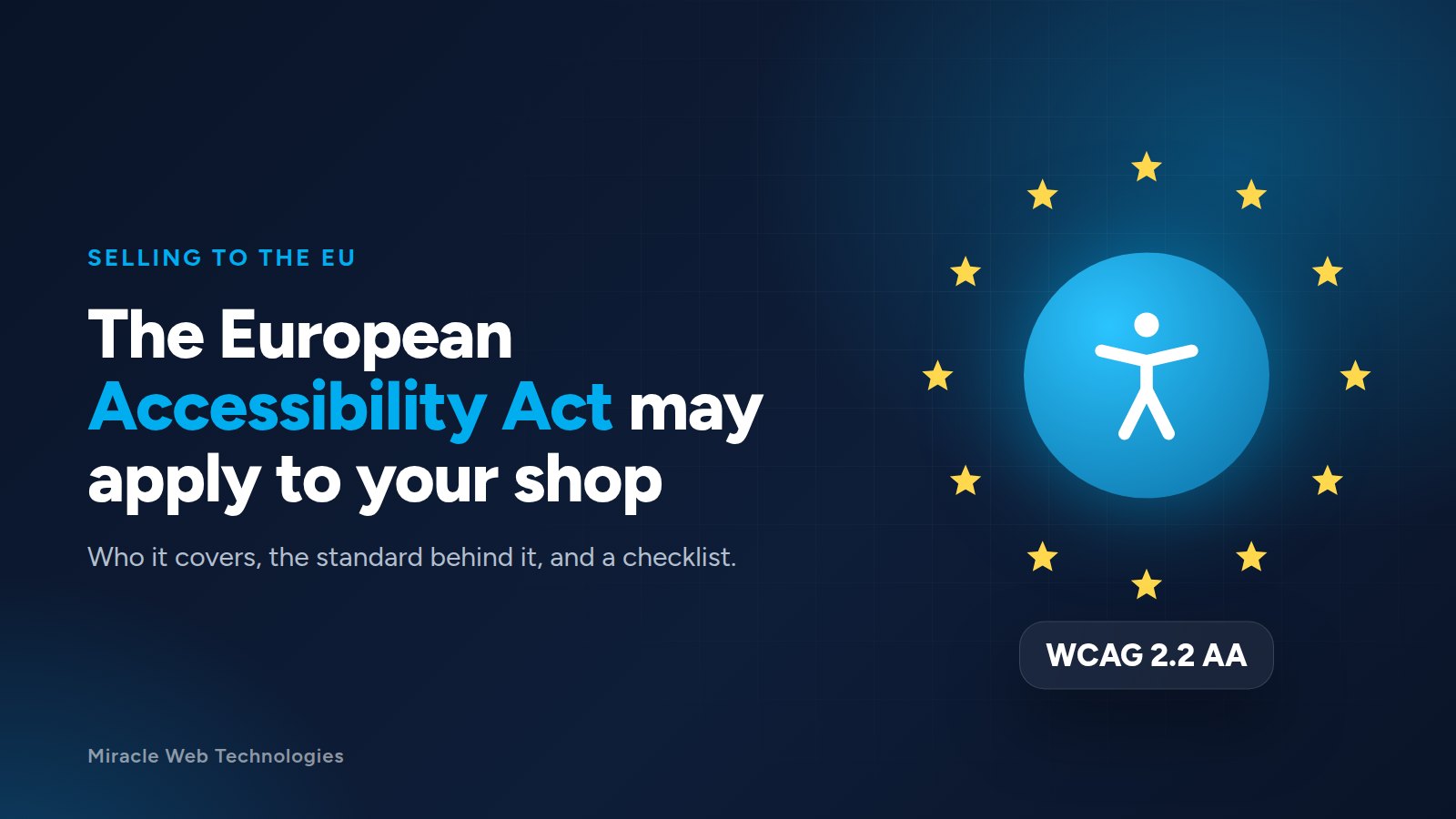
The European Accessibility Act (Directive (EU) 2019/882) has applied since 28 June 2025. It requires a range of products and services sold to consumers in the European Union to be accessible to people with disabilities. Online shopping is one of them.
If you sell to customers in the EU, this affects your website, even if your company is based outside Europe.
This article is a practical overview, not legal advice. For your specific case, check with a lawyer or the authority in the countries where you sell.
Who it covers
- E-commerce: websites and apps that sell products or services to consumers, including product pages, the basket, checkout and account pages.
- Other services named in the Act: including consumer banking, e-books, electronic communications, and ticketing for passenger transport.
- Businesses outside the EU that offer these services to consumers in the EU.
There is an exemption for microenterprises providing services: fewer than 10 employees and an annual turnover or balance sheet total of no more than €2 million. Business-to-business sales are generally outside the Act.
What "accessible" means in practice
The Act describes requirements in general terms. The European standard it relies on, EN 301 549, follows the Web Content Accessibility Guidelines (WCAG) at level AA for web content: WCAG 2.1 in the version used for years, WCAG 2.2 in the 2026 update (version 4.1.1). Aiming for WCAG 2.2 AA covers both, and is the practical target for most websites.
You are also expected to explain how your service meets the requirements, in your terms and conditions or in an accessibility statement on the website.
A checklist for your online shop
- Keyboard: can someone browse, add to the basket and pay using only the keyboard? Is it always visible where the focus is?
- Images: do product photos and icons that carry meaning have a text alternative?
- Contrast: is the text readable against its background, including grey text and text on photos?
- Forms: does every field have a visible label? Do error messages say what went wrong and how to fix it?
- Zoom: does the page still work when the text is enlarged to 200%?
- Video: do product videos have captions?
- Checkout and payment pages: including any payment window from a third party. Ask your payment provider about their accessibility.
- Time limits and pop-ups: can people close them, and do they get enough time?
Where to start
- Test the main journey first: home page, a product, the basket, checkout, and your account pages.
- Use automated checks (such as the free Lighthouse report built into Chrome). They catch a part of the problems, not all.
- Test by hand with the keyboard and a screen reader for the rest.
- Fix, then publish an accessibility statement saying what you meet and how people can contact you.
Accessibility work usually improves the site for everyone: clearer forms, readable text and pages that work on any device. Fewer abandoned checkouts is a welcome side effect.
Need a hand?
We review online shops against WCAG 2.2 AA and fix what we find, from contrast and labels to keyboard access in the checkout. Ask us for an audit of your site.